
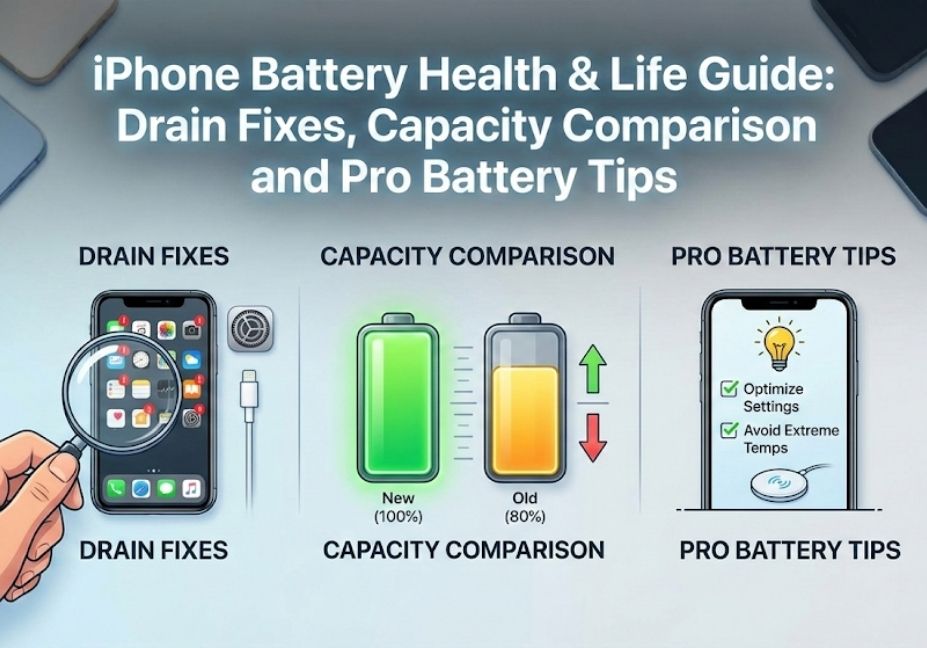
iPhone Battery Health & Life Guide: Drain Fixes, Capacity Comparison and Pro Battery Tips
Does your iPhone battery drain fast? Do you feel like your iPhone battery health is dropping quickly? Or maybe you are asking yourself, “Is my battery still good?” You are not alone! Many iPhone users face the same problems.
Your iPhone battery life is very important because it determines how long your phone can work before needing a charge. If your battery is weak, your phone may turn off unexpectedly, apps may crash, or charging may not last the whole day.
So, how long does iPhone battery last really depend on your battery health, your usage, and your iPhone model. New iPhones usually have strong batteries, but over time, the iPhone battery health can decline, making the battery drain faster than before.
In this guide, we will explain everything about iPhone battery health, battery life, common problems, and how you can improve it so your iPhone lasts longer.
What Is iPhone Battery Health and Why It Matters
Many iPhone users get confused when they see the battery health percentage in their phone settings. You might wonder, “What does this number mean?” or “Is my battery still okay?” Understanding iPhone battery health helps you know how long your phone can last and whether it’s time to replace the battery.
iPhone 17 Pro vs Pro Max Camera Difference: Which One Is Better?
What Does iPhone Battery Health Mean?
iPhone battery health is a number that shows how strong your battery is compared to when it was new. A new iPhone usually starts at 100% battery health.
If your battery health goes down, your iPhone battery life will be shorter, and your phone may drain faster.
Many users ask: “Is 80% battery health good on iPhone?”
- Yes, 80% is still usable.
- But you may notice your battery drains faster than before.
- If it drops below 80%, it’s often a good idea to consider a battery replacement.
“If your battery is draining quickly, see why iPhone battery drains so fast and how to fix it.”
How Long Does iPhone Battery Usually Last?
You may also ask: “How long does iPhone battery last?”
- A healthy battery can usually last 1 full day with normal use.
- Heavy use, such as gaming, videos, or apps running in the background, can drain the battery faster.
- Older batteries with low iPhone battery health will not last as long.
💡 Tip: Regularly checking your battery health helps you avoid unexpected battery drains and keeps your iPhone battery life longer.
iPhone Battery Health vs Expected Battery Life
| Battery Health (%) | Expected Battery Life | Notes |
|---|---|---|
| 100% | Full day + | New or nearly new iPhone |
| 90–99% | 20–24 hours | Slightly used, still strong |
| 80–89% | 16–20 hours | Noticeable faster drain |
| 70–79% | 12–16 hours | Battery aging, consider replacement soon |
| Below 70% | <12 hours | Battery weak, replacement recommended |
iPhone Battery Percentage, Capacity, and Performance Explained
If your battery suddenly drops from 50% to 20%, you are not alone. Many users face the same problem. Understanding iPhone battery percentage and battery capacity helps you know why this happens and how to fix it.
iPhone Battery Percentage vs Real Battery Life
The number on your iPhone shows the battery percentage, but it doesn’t always reflect the real battery life. Your battery may drain faster due to apps running in the background, high screen brightness, or an old battery.
- iPhone battery drain can be gradual or sudden.
- Even if the percentage seems high, a weak battery may last much shorter.
💡 Tip: Always check iPhone battery health alongside percentage for a true idea of battery life.
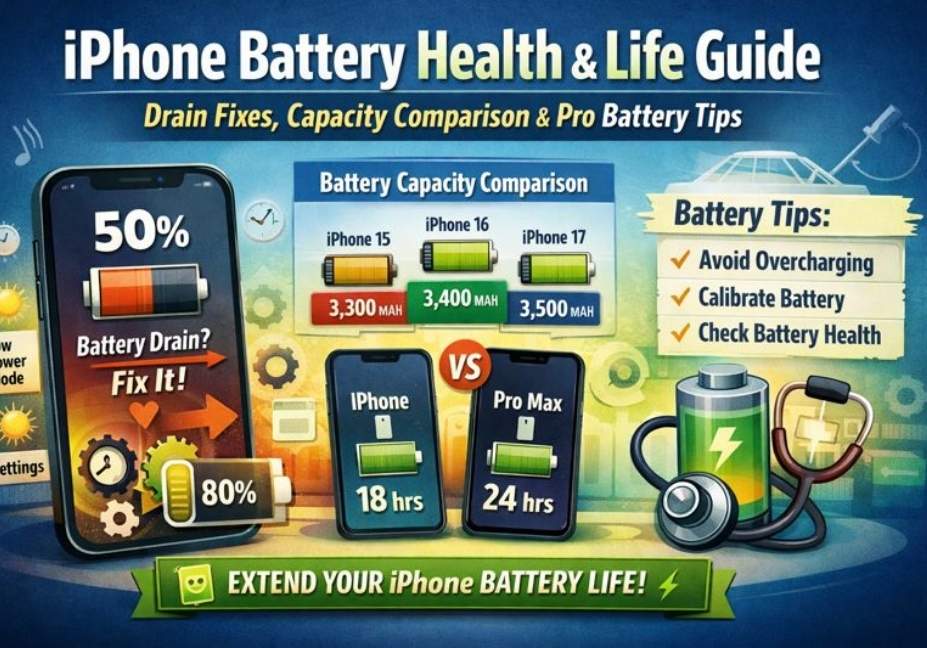
iPhone Battery Capacity Explained Simply
iPhone battery capacity means how much energy the battery can store. Higher capacity usually means longer iPhone battery life.
Here’s a simple comparison table by model, which also helps with featured snippets:
| iPhone Model | Battery Capacity (mAh) | Typical Battery Life |
|---|---|---|
| iPhone 15 | 3,300 | 18–20 hours |
| iPhone 15 Pro | 3,100 | 17–19 hours |
| iPhone 16 | 3,400 | 19–21 hours |
| iPhone 16 Pro Max | 4,300 | 22–24 hours |
| iPhone 17 | 3,500 | 20–22 hours |
| iPhone 17 Pro Max | 4,400 | 23–25 hours |
💡 Tip: Bigger batteries do not always mean better performance—software optimization matters too.
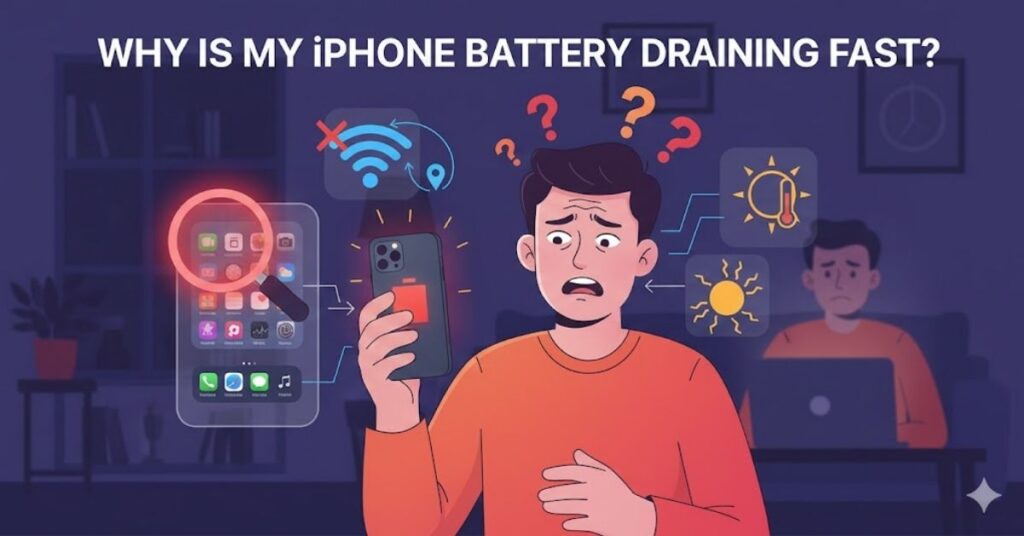
Why Is My iPhone Battery Draining Fast?
Many users ask: why is my iPhone battery draining fast? This section explains the main causes and solutions.
Main Reasons for iPhone Battery Drain
- Apps running in background use power even when not open
- High screen brightness consumes more energy
- Old batteries cannot hold charge well
- iPhone battery draining overnight often happens due to background updates or poor battery health
Why iPhone Battery Health Drops Fast
Sometimes your iPhone battery health dropping fast is normal as the battery ages. Heavy usage, frequent fast charging, or heat can reduce health faster.
💡 Tip: Regularly monitor battery health and avoid extreme charging habits to maintain iPhone battery life.
How to Check and Improve iPhone Battery Health
Many users ask: “How do I check my battery health?” or “How can I fix it?”
Knowing your iPhone battery health and learning simple ways to improve it can make your iPhone last longer and stop draining too fast.
Regular checks help prevent sudden battery drains and maintain iPhone battery life.
- Open the Settings app on your iPhone.
- Tap on Battery.
- Tap Battery Health.
- Check the Maximum Capacity % to see your iPhone battery health.
- If battery health is below 80%, consider a battery replacement.
💡 Tip: Checking your iPhone battery health regularly helps you avoid sudden battery drains and keeps your iPhone reliable.
How to Improve iPhone Battery Life Daily
Here are simple ways to keep your battery healthy and save iPhone battery:
- Lower screen brightness to reduce battery drain.
- Turn off Background App Refresh to stop apps from using power in the background.
- Enable Low Power Mode during heavy use to extend battery life.
- Keep iOS updated for better battery optimization.
- Avoid extreme temperatures; heat and cold damage battery health.
- Limit frequent fast charging to maintain long-term battery health.
- Close unused apps to reduce unnecessary battery consumption.
- Reduce push notifications from non-essential apps.
💡 Following these tips helps you improve iPhone battery life and makes your battery last longer every day.
Best Battery Settings for iPhone (Easy Fixes)
If your iPhone battery drains fast or your phone gets hot, using the best battery settings for iPhone can help improve battery life and prevent overheating.
Best Battery Settings You Should Turn On
Here are the top settings to optimize battery life:
| Setting | Why It Helps |
|---|---|
| Low Power Mode | Reduces background activity and saves battery |
| Auto-Brightness | Adjusts screen brightness automatically, saving power |
| Background App Refresh Off | Stops apps from draining battery in the background |
| Location Services Off / While Using App | Reduces GPS power usage |
| Notifications for Essential Apps Only | Less screen wake-ups and alerts |
💡 Tip: Turning on these settings can significantly improve iPhone battery life daily.
How to Charge iPhone Battery Correctly
Charging habits also affect battery health. Follow these tips:
- Plug in your iPhone before it reaches 20%.
- Avoid charging above 80–90% constantly.
- Fast charging is okay occasionally, but frequent use can reduce long-term battery health.
- Do not leave your iPhone charging overnight in hot environments.
💡 Keyword inclusion: how to charge iPhone battery correctly, does fast charging damage iPhone battery
iPhone Battery Calibration Guide (When Battery Acts Weird)
Sometimes your iPhone battery jumps from 50% to 20% or shuts down unexpectedly. This usually means the battery needs calibration.
iPhone battery calibration guide:
- Fully charge your iPhone to 100%.
- Use your phone normally until it shuts down due to low battery.
- Fully charge it again to 100% without interruptions.
- Repeat once or twice if necessary to recalibrate battery readings.
💡 Tip: Calibrating your battery helps fix sudden jumps, improves iPhone battery life, and gives a more accurate battery percentage.
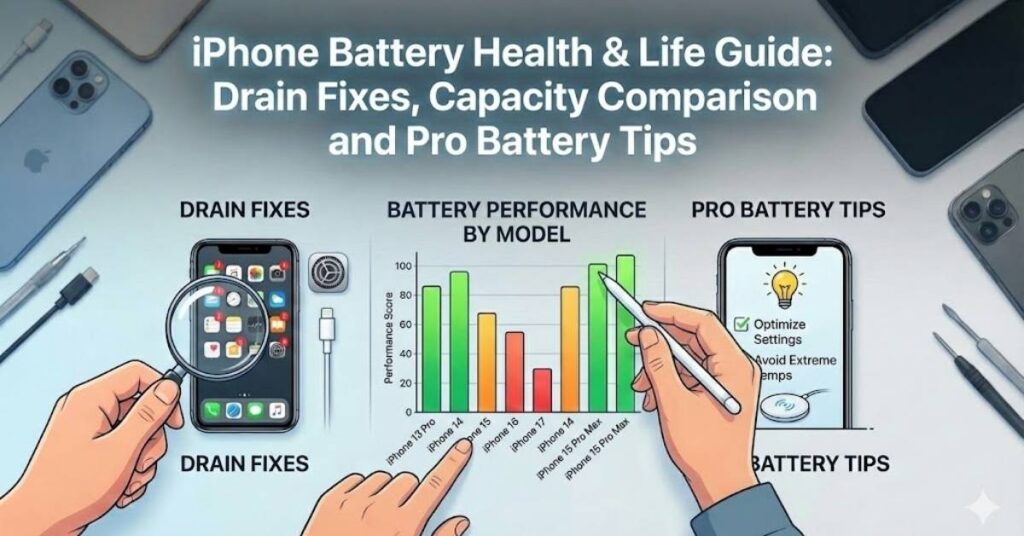
iPhone Battery Performance by Model
Many users wonder “Which iPhone model lasts longer?” or “Is the Pro Max really better?” Different iPhones have different battery performance, and knowing this can help you choose the right model or understand your battery issues.
iPhone 15 Battery Life & Health
Short battery life, confusion about battery health
- iPhone 15 battery life: ~18–20 hours normal use
- iPhone 15 Pro battery health: Usually starts at 100%, may drop faster with heavy use
- Common complaints: Battery drains quickly with gaming or camera use
💡 Tip: Check battery health regularly to prevent unexpected drains.
iPhone 16 Battery Performance Explained
Fast drain, overheating, low capacity complaints
- iPhone 16 battery performance: ~19–21 hours normal use
- iPhone 16 Pro Max battery capacity: 4,300 mAh, lasts longer for power users
- Users report: Better for heavy gaming, video, and multitasking
iPhone 17 Battery Life Leaks & Expectations
Early adopters worry about leaks or battery problems
- iPhone 17 battery life leaks: Expected 20–22 hours for normal use
- iPhone 17 Pro Max battery comparison: 4,400 mAh, slightly better than previous Pro Max
- Users often ask: Will it last all day with heavy apps? Yes, but monitoring battery health is important
iPhone Model Battery Comparison Table
| Model | Battery Capacity (mAh) | Typical Battery Life | Notes / Pain Points |
|---|---|---|---|
| iPhone 15 | 3,300 | 18–20h | Drains faster with games |
| iPhone 15 Pro | 3,100 | 17–19h | Battery health drops faster |
| iPhone 16 | 3,400 | 19–21h | Stable for most users |
| iPhone 16 Pro Max | 4,300 | 22–24h | Great for heavy users |
| iPhone 17 | 3,500 | 20–22h | Early leaks reported |
| iPhone 17 Pro Max | 4,400 | 23–25h | Best for prolonged use |
iPhone Battery Comparison – Pro vs Pro Max
Many people ask: “Is the Pro Max really better?” or “Which one should I buy?” This section compares battery life clearly.
| Feature | iPhone Pro | iPhone Pro Max |
|---|---|---|
| Battery Capacity | 3,100–3,500 mAh | 4,300–4,400 mAh |
| Battery Life | 17–22 hours | 22–25 hours |
| Gaming / Video | Good | Best for long sessions |
| User Pain | Drains faster under heavy apps | Slightly heavier, but longer life |
| Battery Health | Drops faster with heavy use | Maintains longer due to bigger battery |
💡 Tip: iPhone battery comparison helps you decide which model fits your needs and prevents frustration from fast drain or short battery life.
When Should You Replace Your iPhone Battery?
Confusion about replacement
- If your iPhone battery health drops below 80%, you may notice faster battery drain.
- If your iPhone shuts down unexpectedly or battery percentage jumps, it may be time for iPhone battery replacement.
- Heavy users or older devices often need replacement sooner to maintain iPhone battery life.
💡 Tip: Regularly check your battery health, and replace when necessary to avoid daily frustration and unexpected shutdowns.
iPhone Battery Not Charging Properly – What to Do
Many users complain that their iPhone battery not charging properly. This can happen due to software glitches, damaged cables, or battery issues. Here’s how to fix it:
- Check the charging cable and adapter – Use an Apple-certified charger.
- Restart your iPhone – Sometimes a simple reboot fixes charging issues.
- Clean the charging port – Dust or debris can block charging.
- Update iOS – Software updates may fix battery problems.
- Check battery health – If your iPhone battery health is low, consider replacement.
💡 Tip: Following these steps can fix most issues and help maintain iPhone battery life.
iPhone Battery FAQs (AEO + Voice Search)
Here are short, direct answers to the most common questions:
Q1: How long does iPhone battery last?
A: A healthy iPhone battery usually lasts 18–25 hours depending on the model and usage.
Q2: Is 80% battery health good on iPhone?
A: Yes, 80% is still usable, but you may notice faster battery drain. Consider replacement if it drops below 80%.
Q3: Does fast charging damage iPhone battery?
A: Occasional fast charging is fine. Frequent fast charging can reduce battery health over time.
Conclusion
Maintaining iPhone battery life and iPhone battery health is simple if you follow a few key steps:
- Monitor battery health regularly.
- Use recommended battery settings like Low Power Mode and Auto-Brightness.
- Avoid extreme temperatures and heavy fast charging.
- Calibrate your battery if it behaves strangely.
- Replace your battery when health drops below 80%.
By following these tips, you can enjoy a reliable iPhone that lasts all day and avoids frustrating battery issues.



3 Comments