
Does your iPhone suddenly feel shockingly hot in your hand, making you panic about a dying battery or permanent damage? That jolt of fear is totally understandable. I’ve felt it, too.
Here at iPhoneExa, we want to turn that worry into relief. We’ll walk you through the real, everyday reasons this happens and share the trusted, simple tricks that we—as people who actually use and rely on our phones—use to cool your phone down fast and keep it safe, without risking a total meltdown. Let’s stop the heat panic so you can actually enjoy your iPhone again.
Why Your iPhone Overheats: The 7 Reasons
That sudden feel of heat isn’t just annoying—it’s your phone shouting for help. We’ve seen thousands of these cases of iPhone heat, and we’ve figured out the key reasons why your iPhone’s temperature is spiking:
1. Heavy Apps That Push Your Processor
Anytime you’re gaming, scrolling TikTok for too long, or recording 4K video, your iPhone is basically lifting weights.
It’s natural for it to heat up because the processor is working overtime.
I once recorded a 45-minute event in 4K my phone felt like a hot potato afterward.
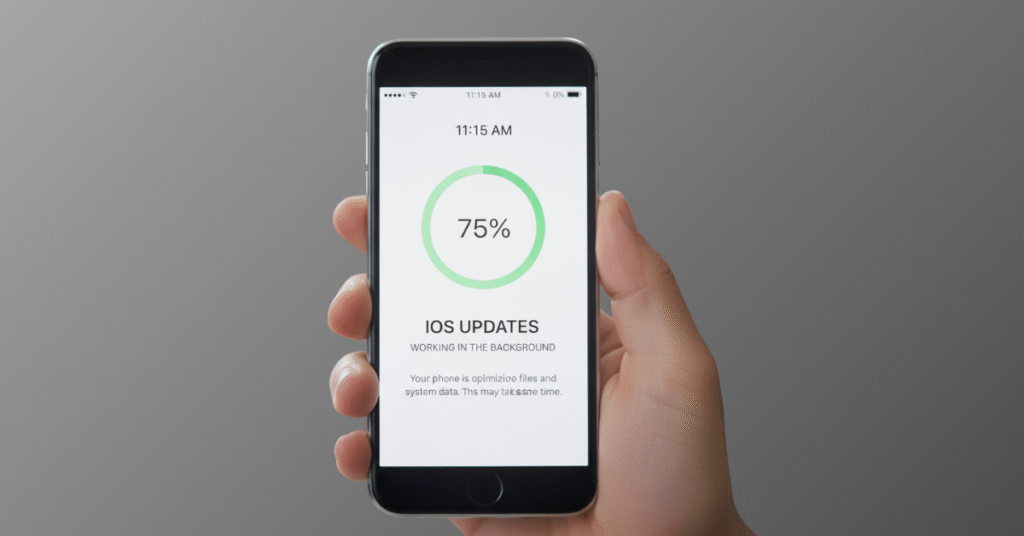
2. iOS Updates Working in the Background
Right after an update, your phone rebuilds indexes, files, and system data.
This takes hours sometimes.
If your iPhone feels warm for a day after updating, → completely normal.
3. Weak or Unstable Network Signal
When the signal is low, your iPhone works hard to stay connected.
This alone can heat your phone more than gaming.
If you’ve ever been in a basement, elevator, or rural area, you’ve definitely felt this.
4. Charging Issues
Cheap cables, fast chargers, wireless pads, or even a thick rubber case trap cause the iPhone to face the heat problem
Once, I tried charging on my bed with a third-party cable — my phone turned into a furnace. Never again.
5. Direct Sunlight or Hot Car Interiors
Your iPhone can’t handle heat like humans do.
Even 10 minutes on a dashboard can push it into “overheating mode”.
6. Many Apps Running in the Background
Location services, push updates, refresh cycles — your phone is doing things you don’t even see.
This slow, constant load quietly heats your device throughout the day.
7. Aging Battery
When a battery becomes weak, it works harder.
Harder work = is causes more heat.
If your battery health is below 80%, overheating is expected.
Quick Fixes: What I Personally Do When My iPhone Gets Hot.
These steps solve most of your iPhone overheating complaints without visiting a repair shop.
1. Remove the Case Immediately
Your case is like a winter jacket.
Your iPhone doesn’t need a jacket when it’s burning.
2. Turn on Airplane Mode
Stops:
- network searching
- background sync
- push notifications
- WiFi scanning
- app refresh
It’s like giving your phone a 5-minute meditation break.
3. Move It Out of the Heat
Even shifting your phone from a sunny table to a tiled floor drops the temperature quickly.
I once put mine on a ceramic plate — it worked like magic.
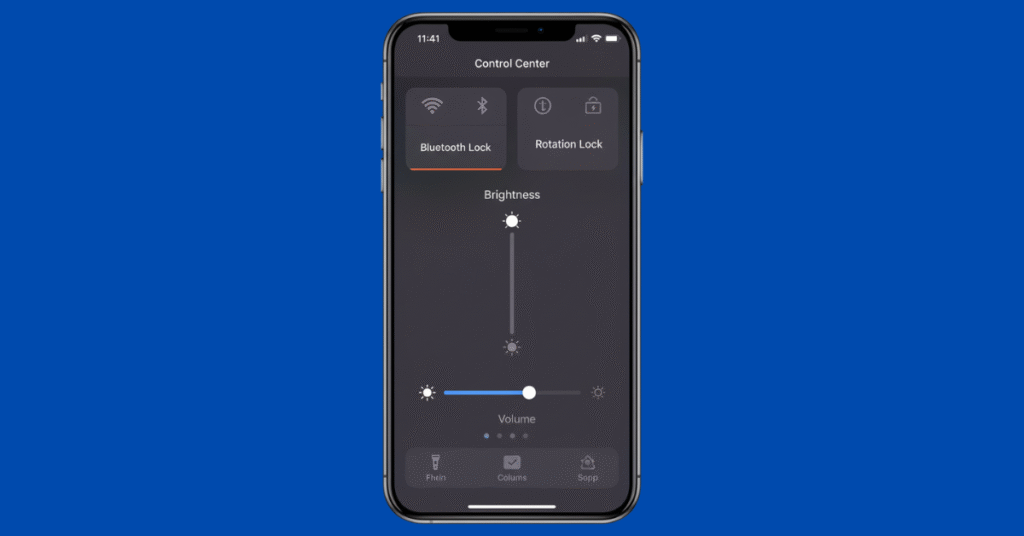
4. Lower the Brightness
Your screen is a heater.
Dim it → instant relief.
DON’T Put Your Phone in the Fridge
This causes condensation inside the phone.
Water droplets + electronics = disaster.
I made this mistake years ago. My camera fogged internally for 3 days.
Step-by-Step Troubleshooting (80% of Users Fix Overheating Here)
These steps solve most of your iPhone overheating complaints without visiting a repair shop.
1. Check Battery Usage
Settings → Battery
See which app is misbehaving.
Sometimes one app alone is the culprit.
Last week, Instagram drained 42% of my battery in the background — insane.
2. Update Everything (iOS + Apps)
Old apps + new operating system = conflict → heat.
3. Turn Off Unnecessary Background Activity
- Location services
- Background refresh
- Bluetooth (if unused)
These tiny things heat your phone slowly over the day.
4. Reset All Settings (Safe & No Data Lost)
Settings → General → Reset → Reset All Settings
This clears corrupted configurations.
Most people don’t know this fix, but it works wonders.
5. Inspect Your Charging Setup
If your charger feels warm → throw it away.
If your phone heats during charging → remove the case.
Simple tricks, huge difference.
6. Factory Reset (Only if Nothing Else Works)
Back up your data → full restore.
This wipes out hidden software issues.
Special Cases: Why Your iPhone Gets Hot
• Charging
Use a hard surface like a table or a ceramic plate.
• Gaming
Lower graphic settings.
Take 5-minute breaks.
I even use a mini USB fan during long gaming sessions.
• Recording Videos
Close other apps.
Shoot shorter clips.
Avoid 4K unless necessary.
• After iOS Update
Let your phone index overnight.
It usually cools down within 24 hours.
Daily Habits That Keep Your iPhone Cool (People Ignore These)
These aren’t complicated — just smart habits.
✔ Charge between 20% and 80%
Full cycles kill batteries faster.
✔ Avoid leaving your phone in cars and sunlight
Even “just a minute” can cause overheating.
✔ Use a slim case
Thick cases are the silent killers of heat management.
✔ Weekly 2-minute maintenance
- close recent apps
- clear background processes
- update apps
- check storage
Tiny habits → big performance improvement.
Conclusion
Dealing with a hot iPhone problem can be worrying, but as you’ve seen, the fixes are usually straightforward. The key is focusing on simple prevention—managing your apps, being smart about your environment, and using the right accessories. Most overheating issues are temporary and completely solvable. You’ve got this! For more trusted tips that help you take control of your tech, remember to visit iPhoneExa. Here’s to a cooler, happier iPhone experience from now on.
Frequently Asked Questions
How do I fix my iPhone from overheating?
Stop using the phone and allow it to cool down.
How to check iPhone temperature?
Download a third-party app from the App Store, use a thermal camera for a more accurate reading, or simply use your phone’s touch to gauge if it feels warm.
Q: Can overheating damage the iPhone permanently?
Over time, yes — especially battery health.
Q: Why is the camera area hottest?
Because the processor is right behind the camera.
Q: Can I put ice on my iPhone?
Note that iPhones have an added benefit. If you add ICE Contacts to your phone, whenever a 911 call is dialed from your phone, it will send your approximate GPS location to your ICE contacts.

Very interesting points you have noted, thankyou for putting up.
Hi there, just became alert to your blog through Google, and found that it is truly informative. I am going to watch out for brussels. I will appreciate if you continue this in future. Lots of people will be benefited from your writing. Cheers!